- Do I pay for player software on each screen?
- It depends on the screen. On a Windows media player the player software costs nothing. On Android boxes, Samsung (Tizen), LG (webOS) and ChromeOS screens it is a one-off licence per screen from the player’s maker, which shows the maker’s name on the device. You buy it, or we order it in your name at cost. It is never inside our screen price.
- What happens when the branch internet drops?
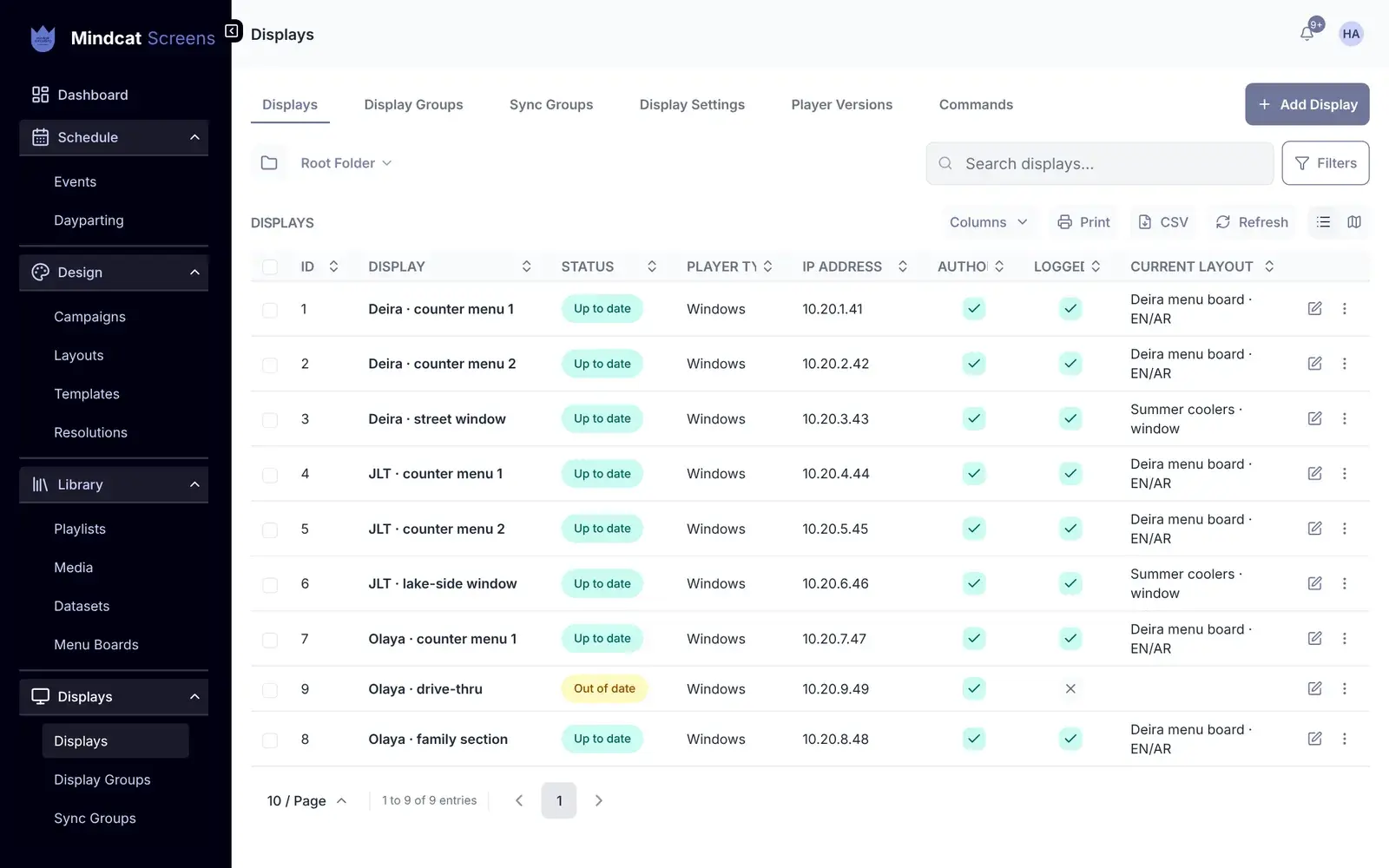
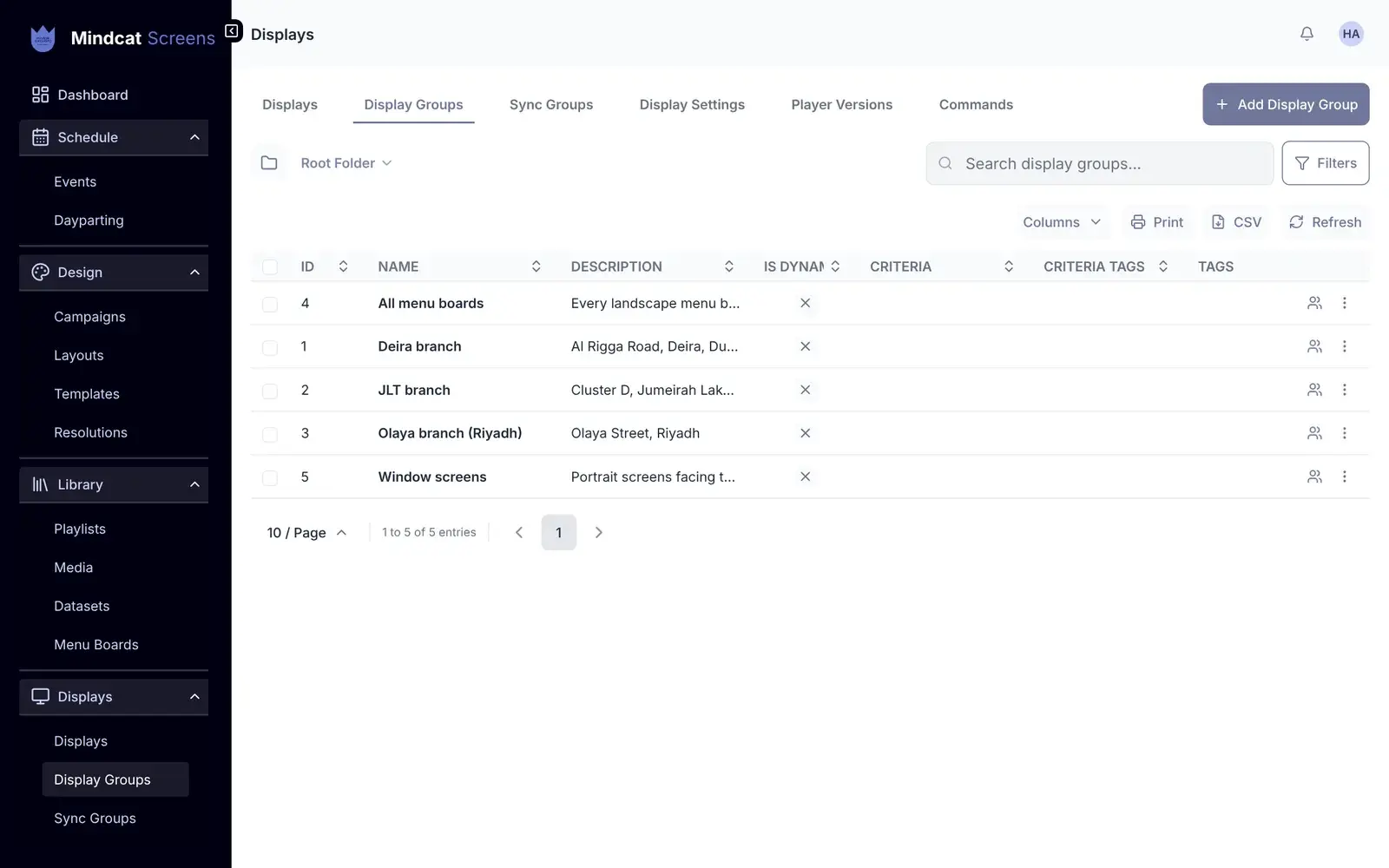
- The screens keep playing. Players store the content they need ahead of time and pick up changes when the connection is back. The displays list shows which screens are out of date or logged out.
- Can we use the Android screens we already have?
- Usually, yes. Most Android boxes and commercial Samsung and LG screens can run a player; each needs the player licence above. We check your models in the first call. Consumer smart TVs often can’t; a small Windows or Android player behind them can.
- Can the boards show Arabic and English?
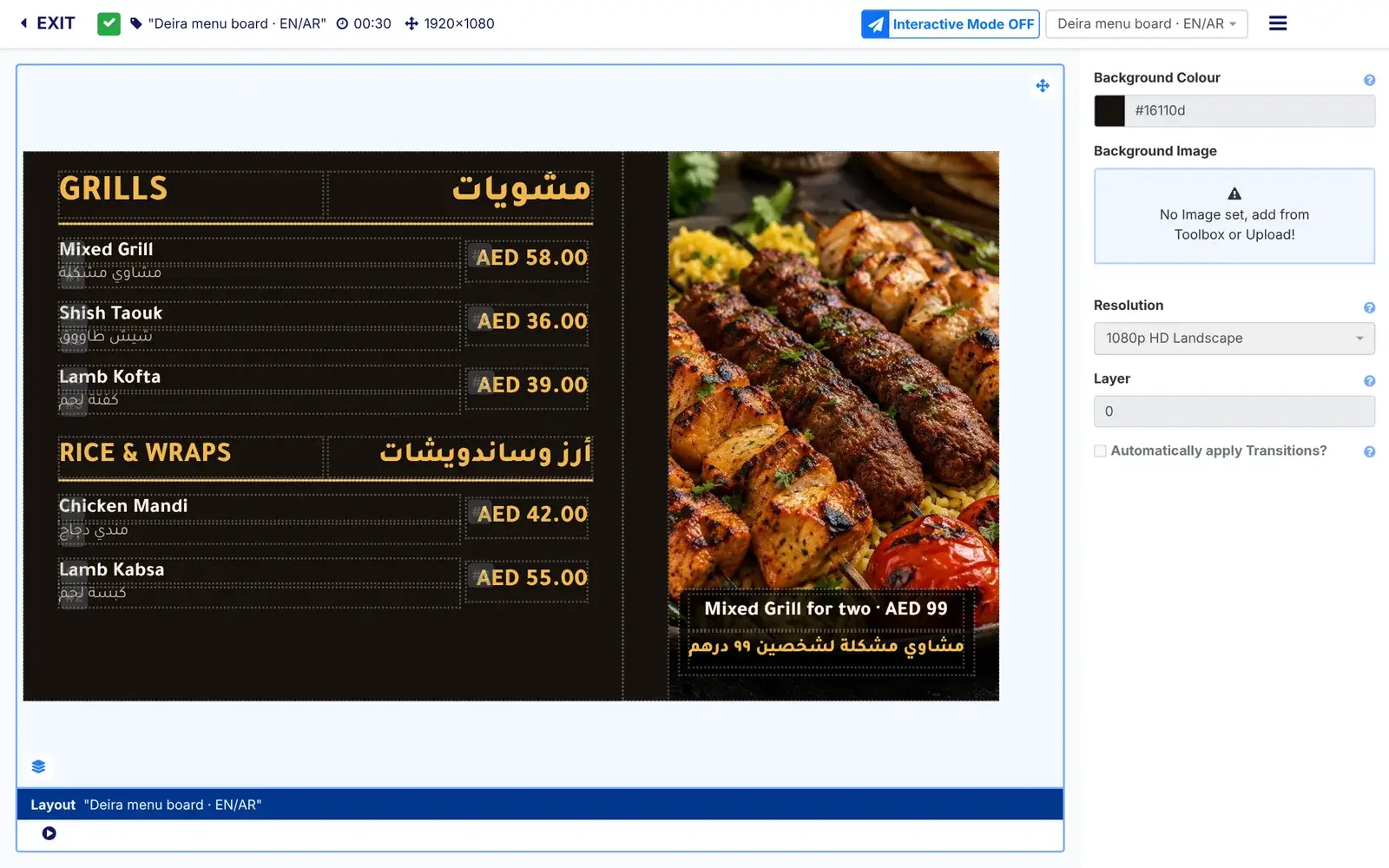
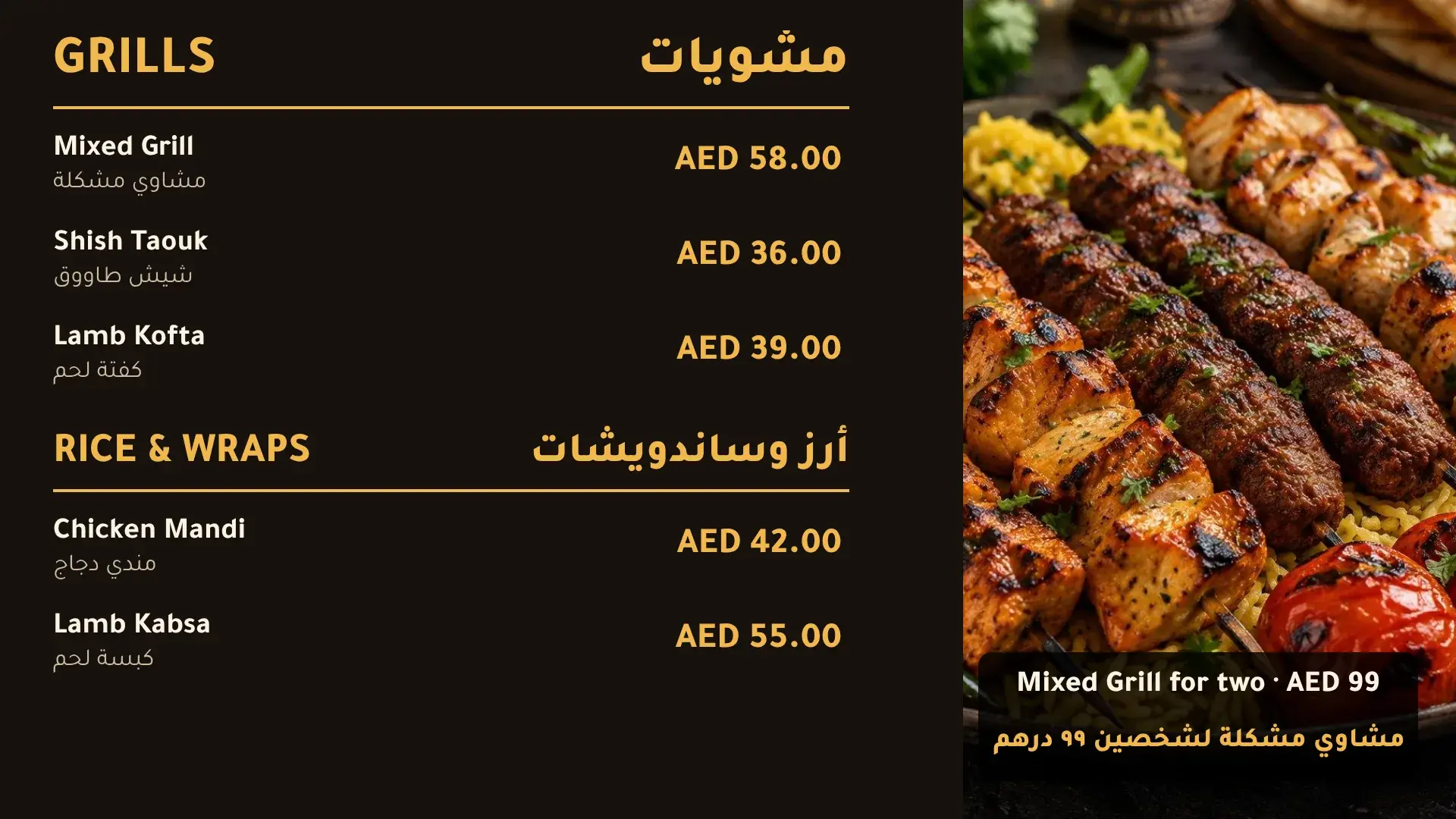
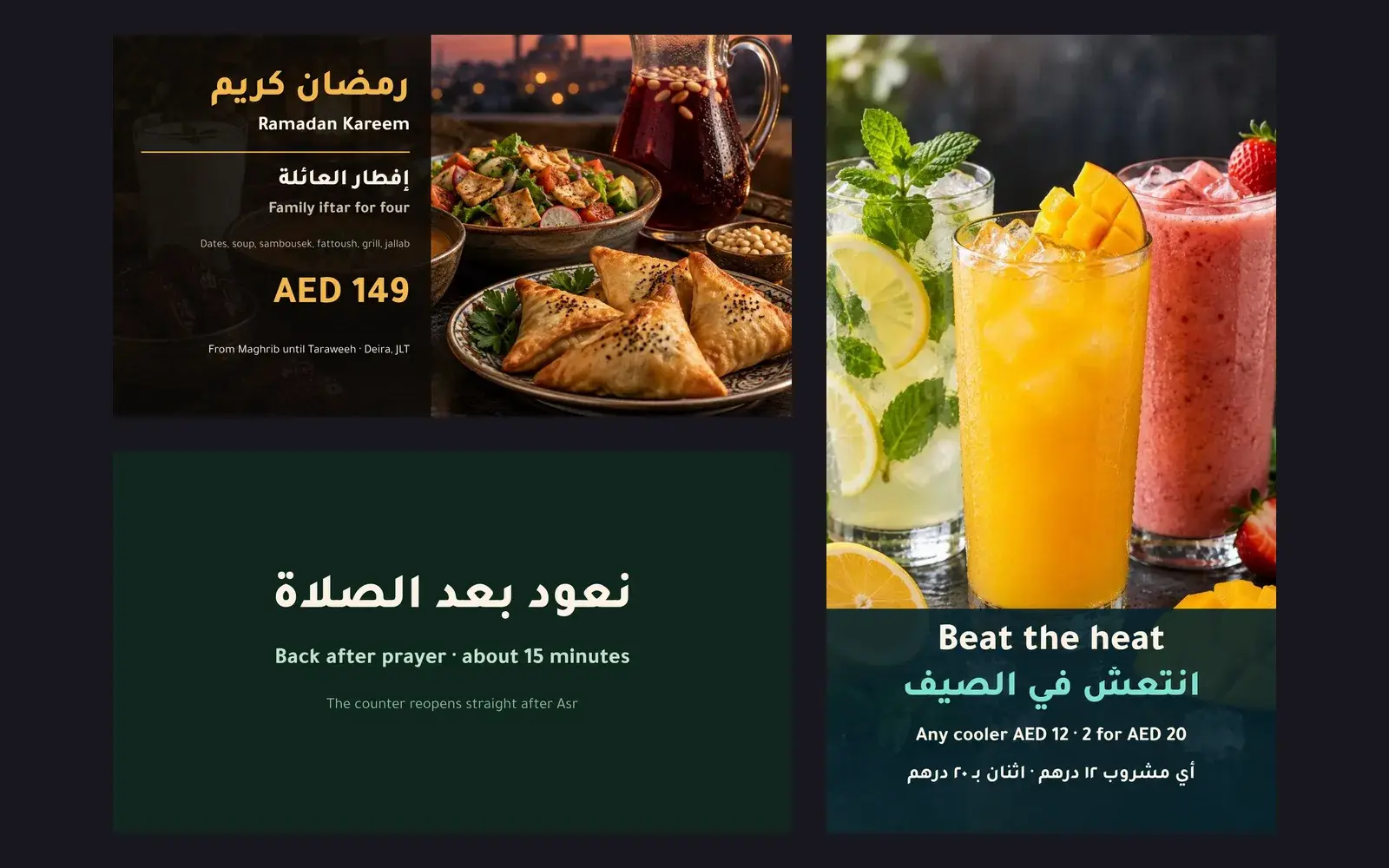
- Yes. Arabic runs right to left on the screen, beside the English, with Arabic fonts. The console your team uses is partly in Arabic today; we translate the screens your team uses during setup.
- Can Saudi boards show caffeine and the salt icon?
- Yes, once we add them to your Saudi templates during setup. The SFDA rule from 1 July 2025 covers electronic menus as well as paper. Calories and allergy notes are product fields today. Which items need the icon is your call; we put it where you tell us.
- Can screens switch at prayer times?
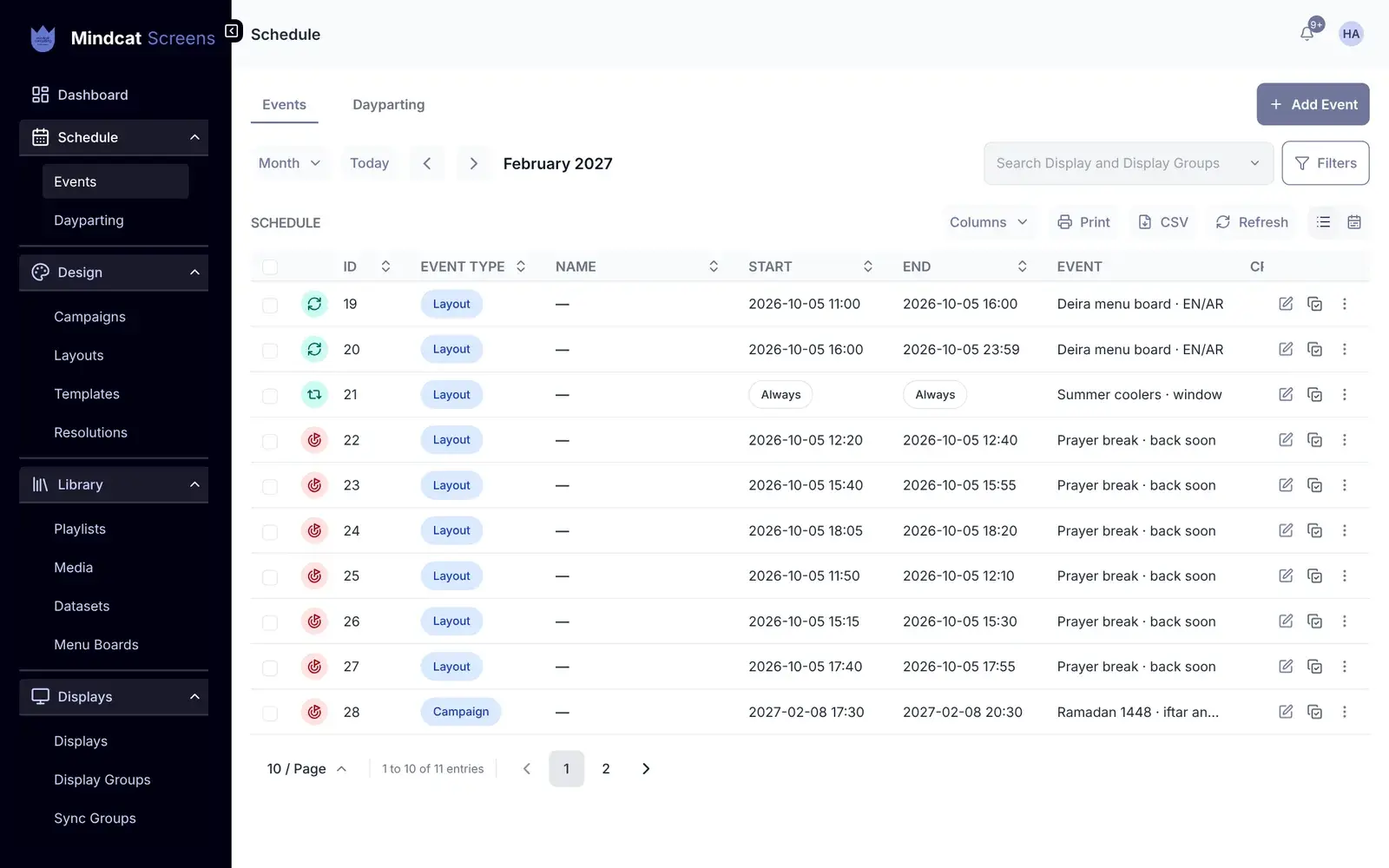
- Yes. A back-after-prayer screen takes over at the times you set for each city, which we load month by month, or from a live prayer-time feed we add during setup. Whether a branch pauses at prayer time is your choice.
- Can our data stay in Saudi Arabia?
- Yes. Your own copy runs in Jeddah or Riyadh, or on your own servers. The shared option runs in the UAE.
- Can we start without a call?
- Yes, with up to 10 screens on the shared plan. Send the quick-start form and we send the payment link within 24 hours, then the CSV template, guides and recorded training in Arabic and English. From 11 screens, or on your own copy or cloud, setup starts with one call with your operations or marketing lead.
- What counts as a screen?
- Each display with a player connected in a month. Each screen of a video wall counts. Logins for your team are free.
- What is it built on?
- Mindcat Screens is built on Xibo, licensed under AGPL-3.0, and any changes we make to it will be released under the same licence. Your copy carries the licence notice and will link to the source of our version.